
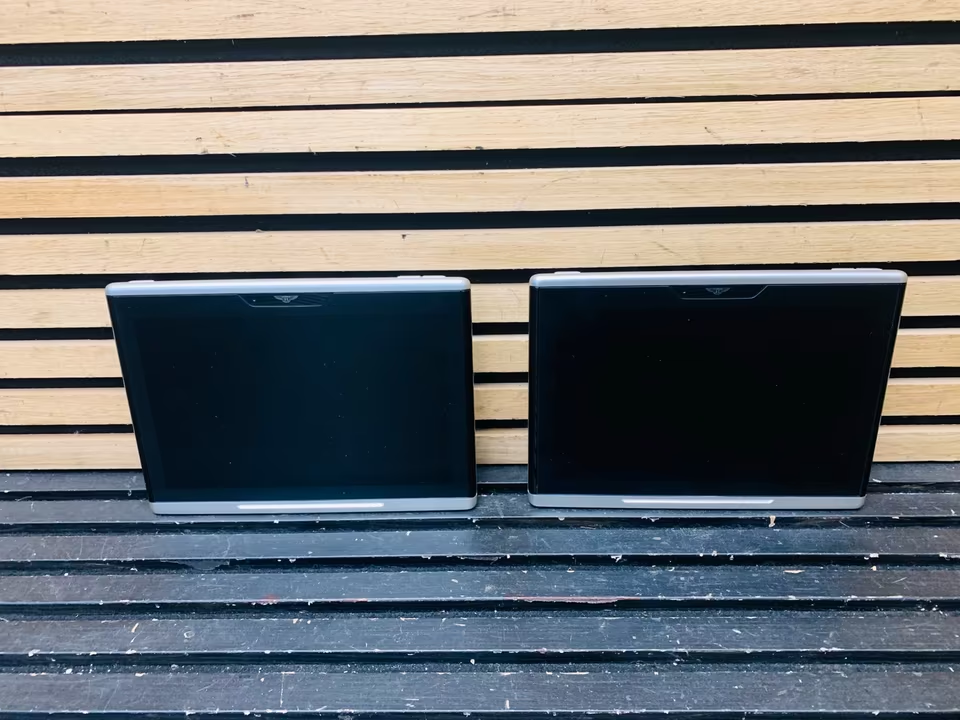
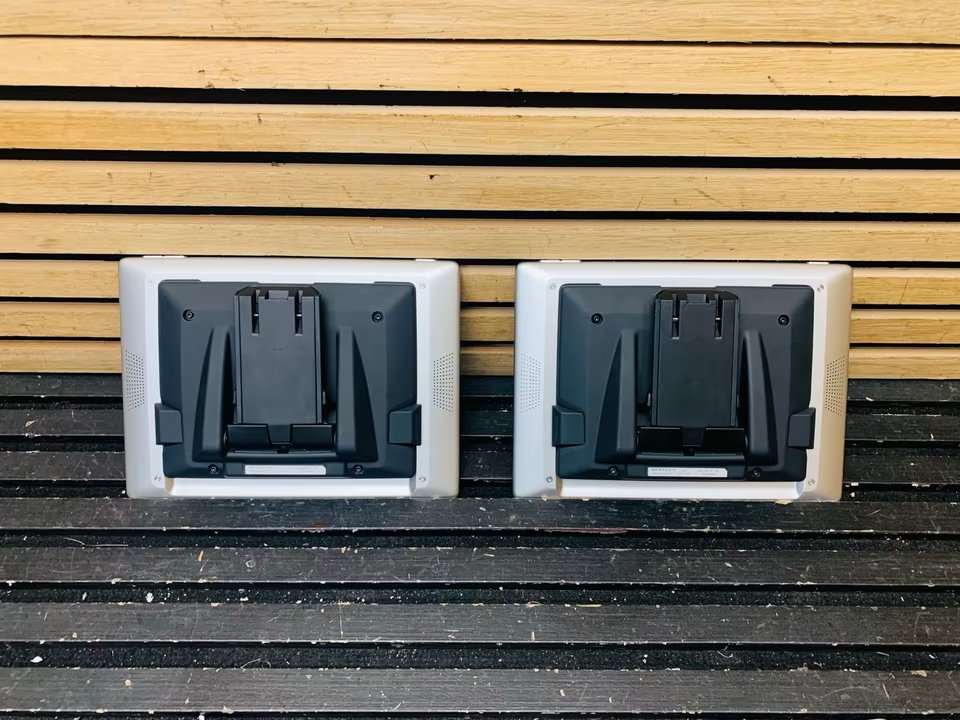
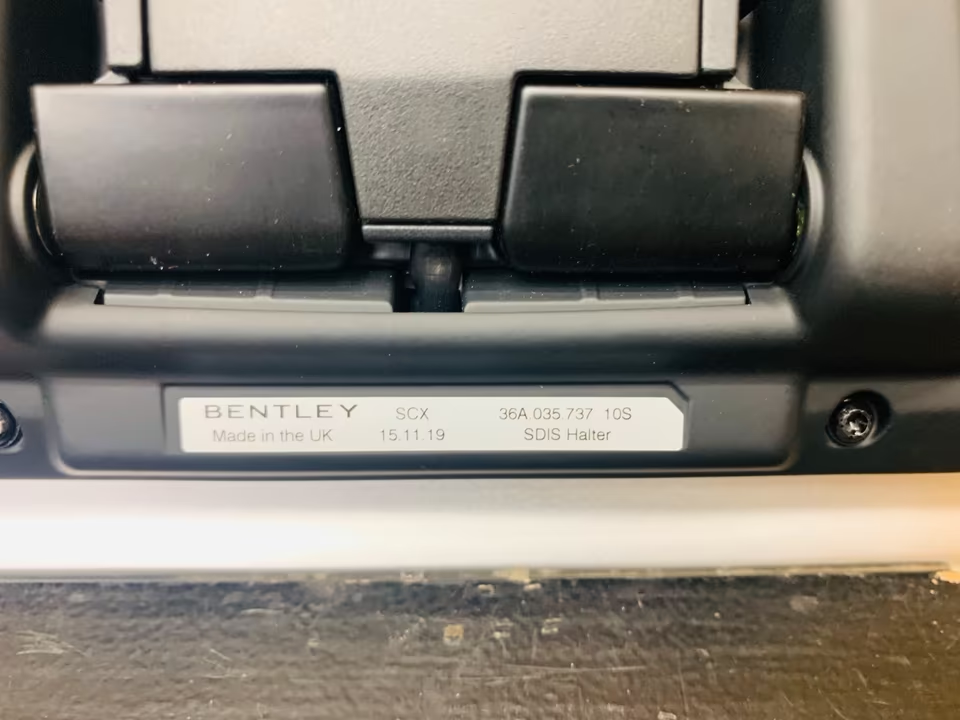
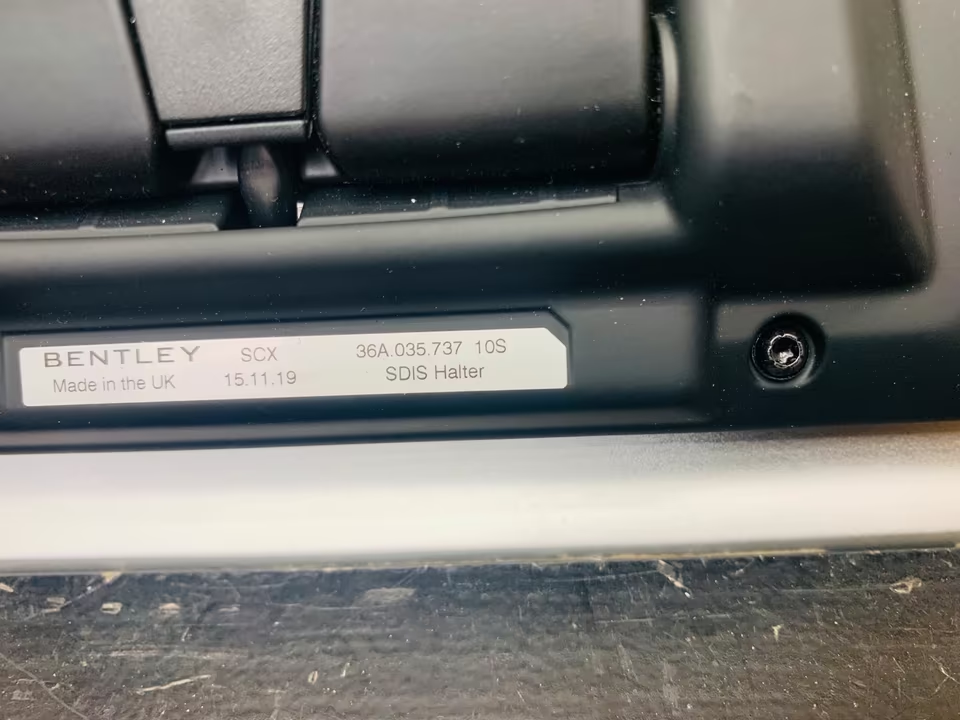
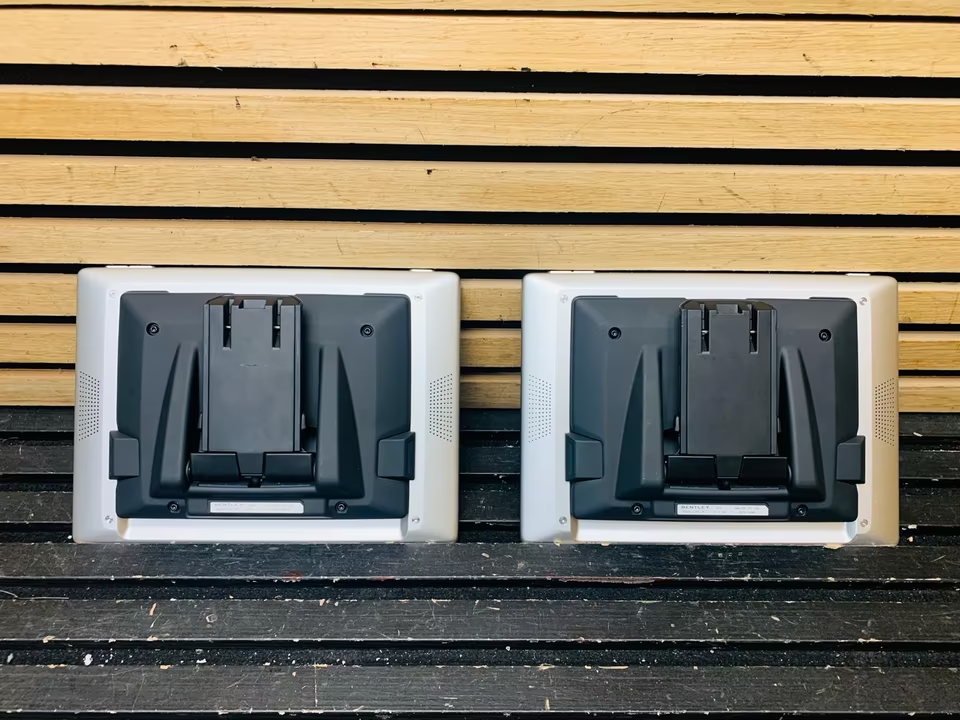
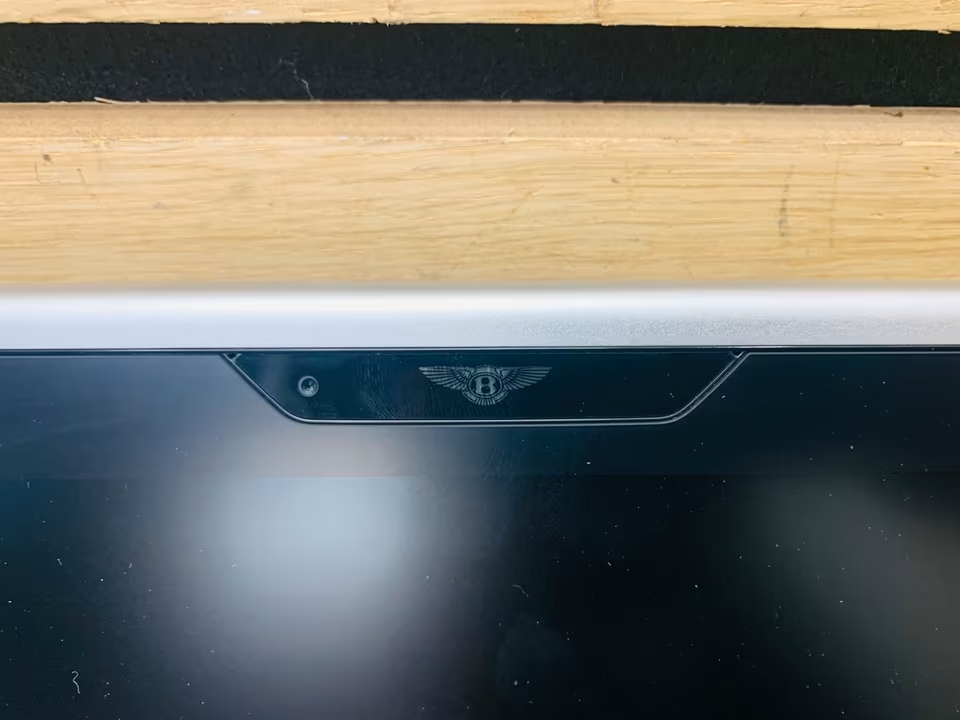
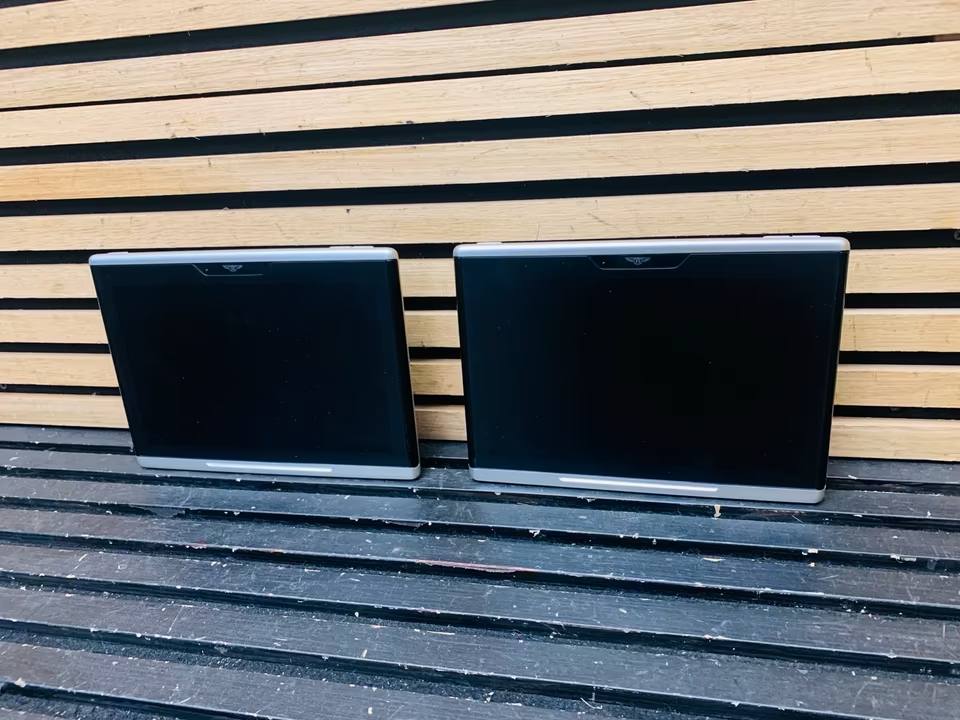
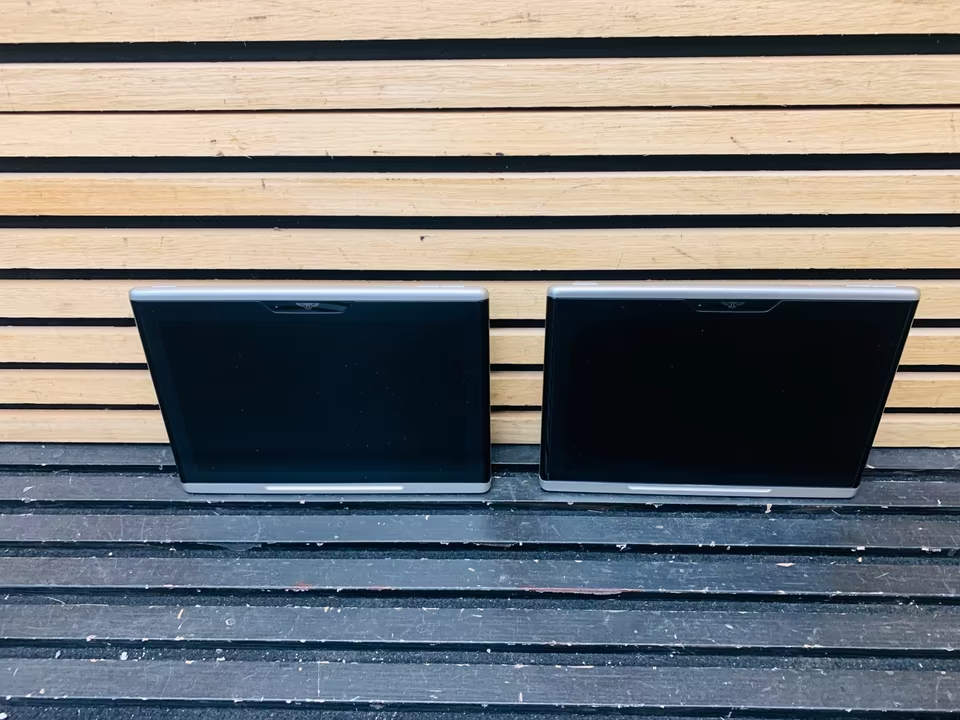
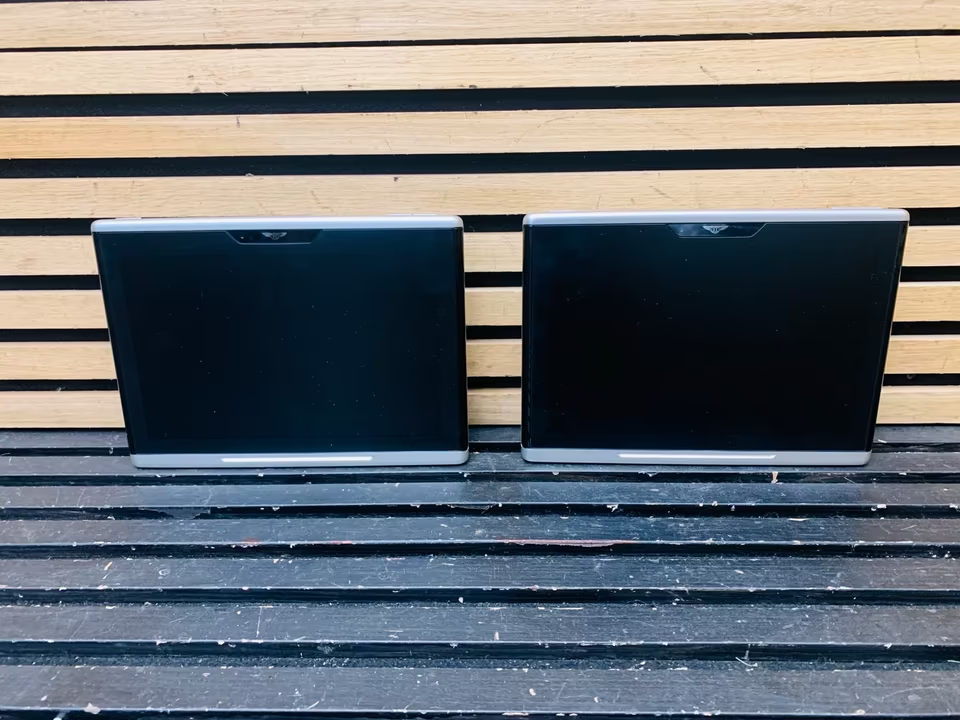
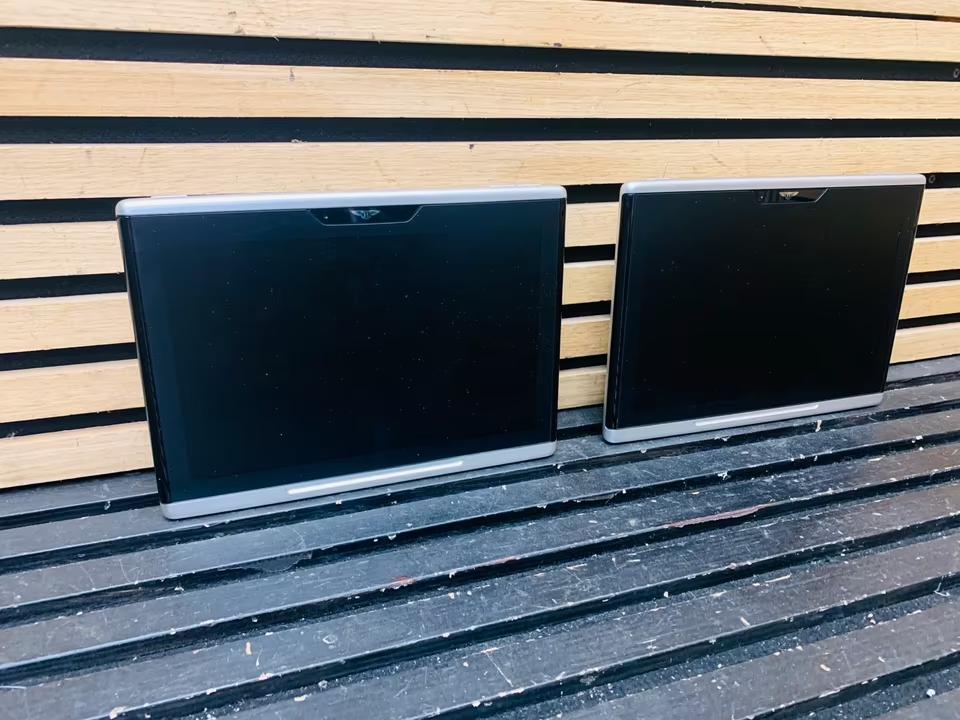
Bentley Bentayga Screen Tablet 36A035737 36A919607
For the Bentley Bentayga (2016–2020) and the New Flying Spur (2020–2024), these part numbers refer to the specialized Rear Seat Entertainment (RSE) tablet system. These Android-based tablets are removable and allow rear passengers to control navigation, media, and vehicle comfort settings.
1. Component Breakdown
The two part numbers you mentioned work together to form the docking and display system for the rear passengers.
| Part Number | Description | Function |
| 36A919607 | RSE Display Unit (Tablet) | The actual 10.2-inch removable Android tablet. It is often superseded by 36A919607C or 36A919607E. |
| 36A035737 | RSE Adapter / Docking Interface | The specialized mounting adapter that secures the tablet to the back of the front seats and provides power/data. |
2. The Tablet: 36A919607
This tablet is a high-resolution touchscreen device that interacts with the car’s main infotainment system via Wi-Fi.
-
Capabilities: Passengers can view the vehicle’s real-time speed, enter navigation destinations for the driver, and play media via Bluetooth or HDMI (depending on the car’s specific RSE spec).
-
Android OS Note: Early versions of these tablets (2016–2018) run older versions of Android (approx. 4.4). Users often report that modern apps like YouTube or Netflix may stop working due to the outdated OS, though the “in-car” functions usually remain stable.
-
Battery Issues: A common failure point is the internal battery. If the tablet only works when docked and shuts off immediately when removed, the battery pack (Part No: 36A.998.841) likely needs replacement.
3. The Adapter: 36A035737
The adapter is the mechanical and electrical “bridge” between the seat and the tablet.
-
Smart Docking: It features a magnetic locking mechanism and pogo-pin connectors to charge the tablet.
-
Security: It is designed to hold the tablet securely during a collision, meeting strict automotive safety standards that a standard consumer iPad mount would not.
4. Troubleshooting & Service
If your screen is black or unresponsive:
-
Hard Reset: Hold the power button on the top edge of the tablet for 15–20 seconds to force a reboot.
-
Docking Check: Clean the gold pins on the back of the tablet and the matching pins on the 36A035737 adapter with a small amount of isopropyl alcohol to ensure a solid power connection.
-
Syncing: If the tablet is on but “Cannot find vehicle,” ensure the car’s Hotspot is active in the main head-unit settings.
Reviews
There are no reviews yet.