
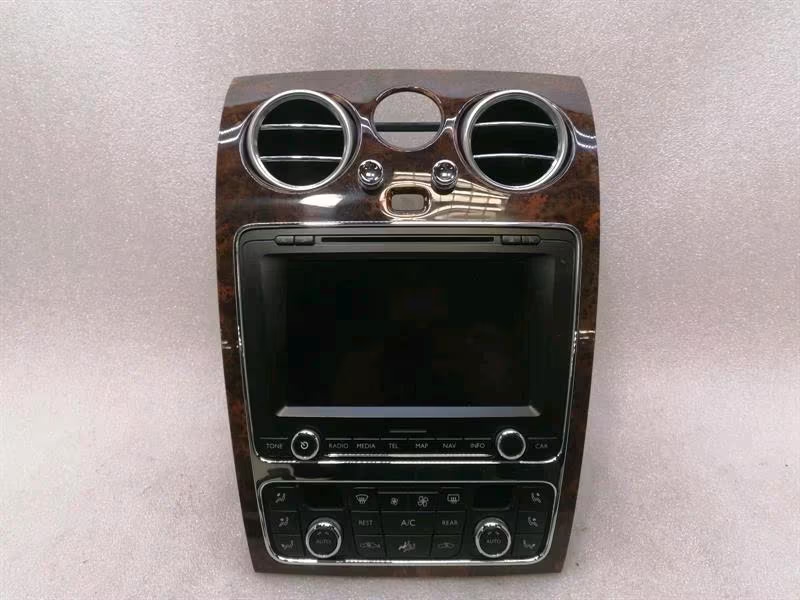
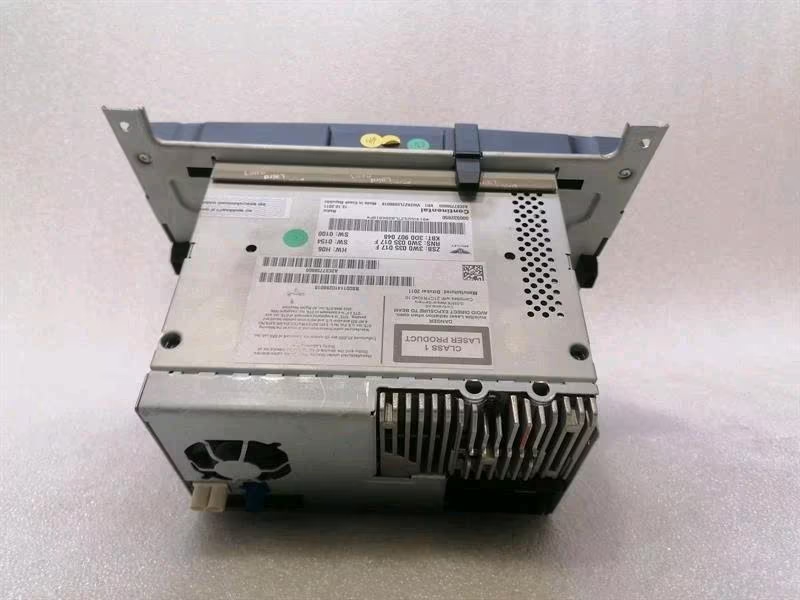
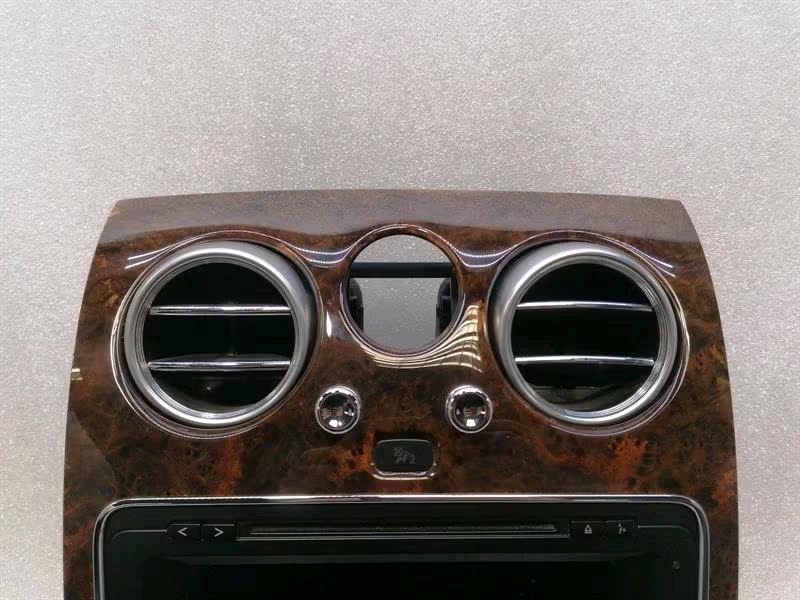
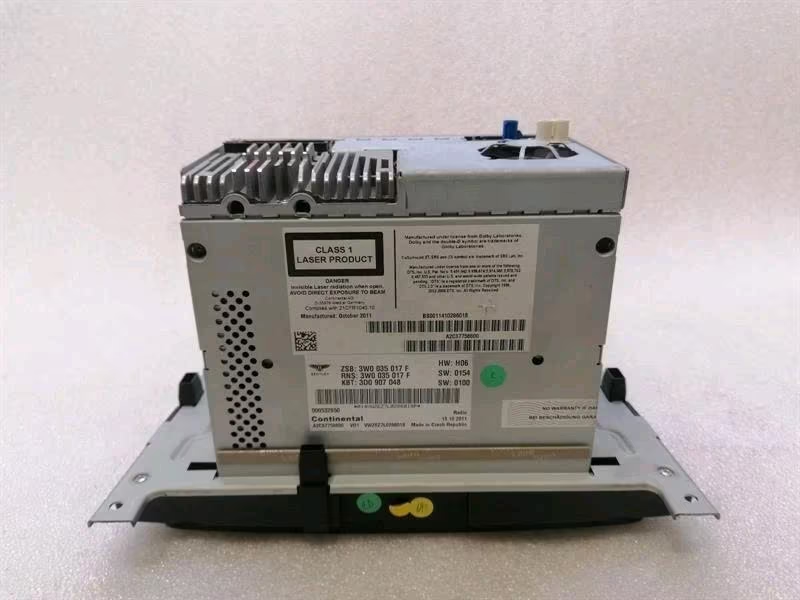
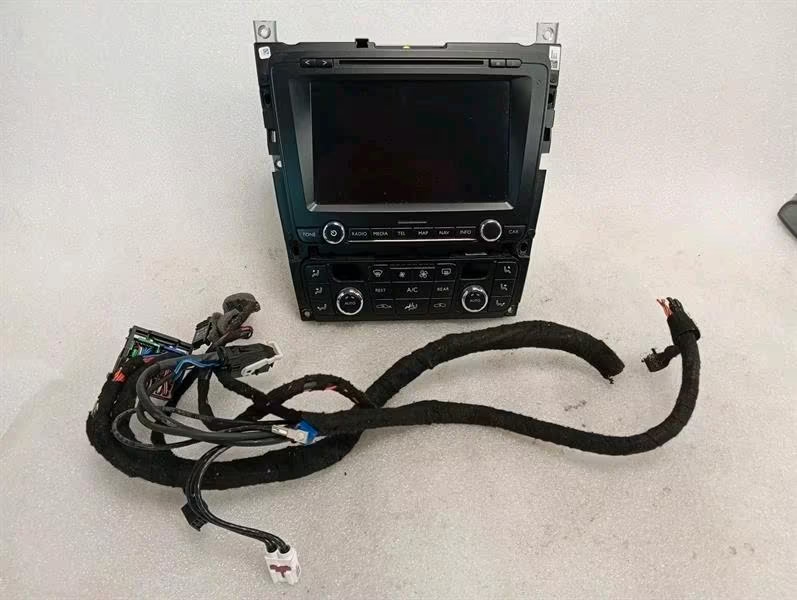
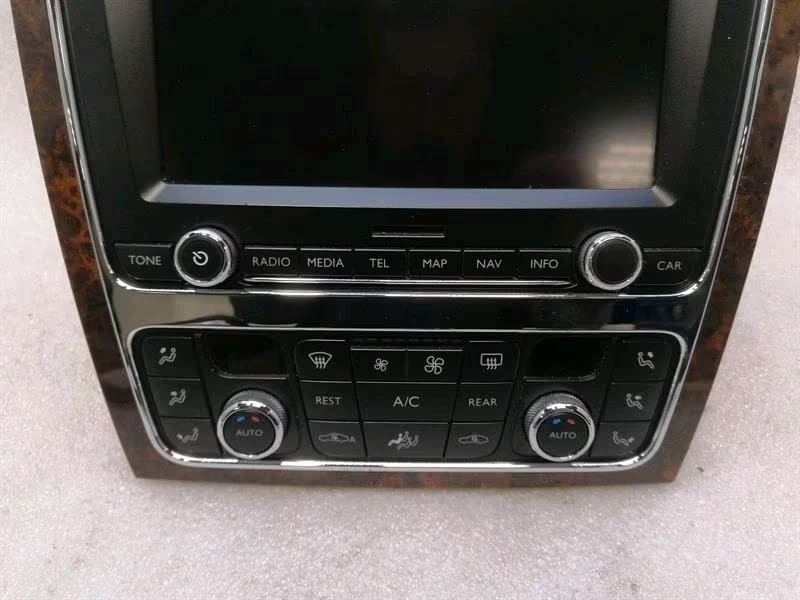
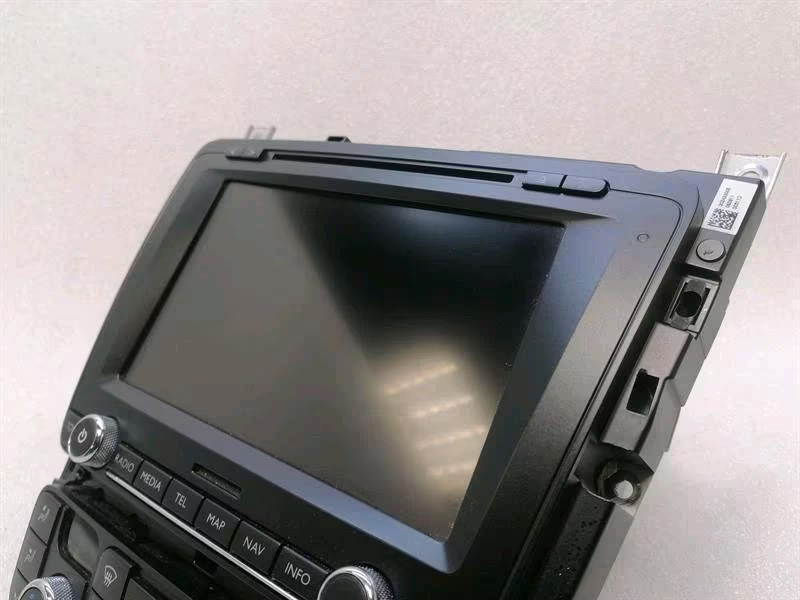
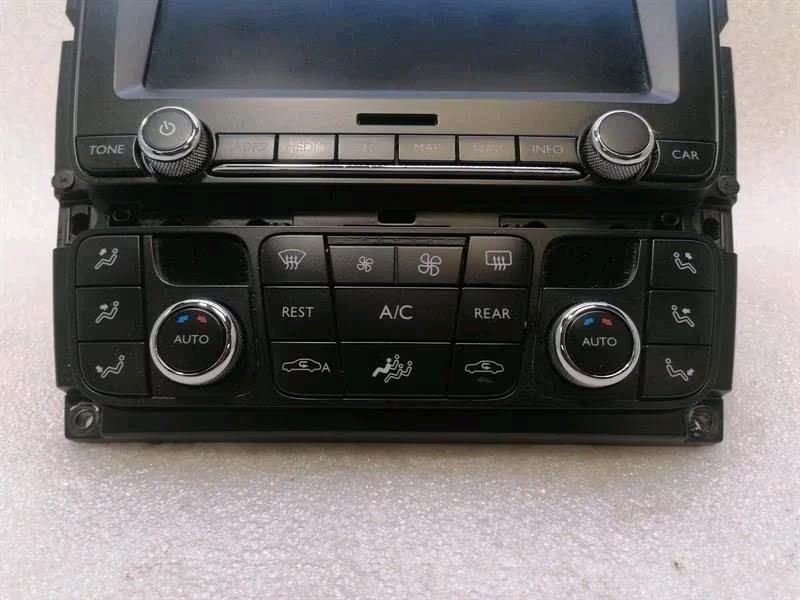
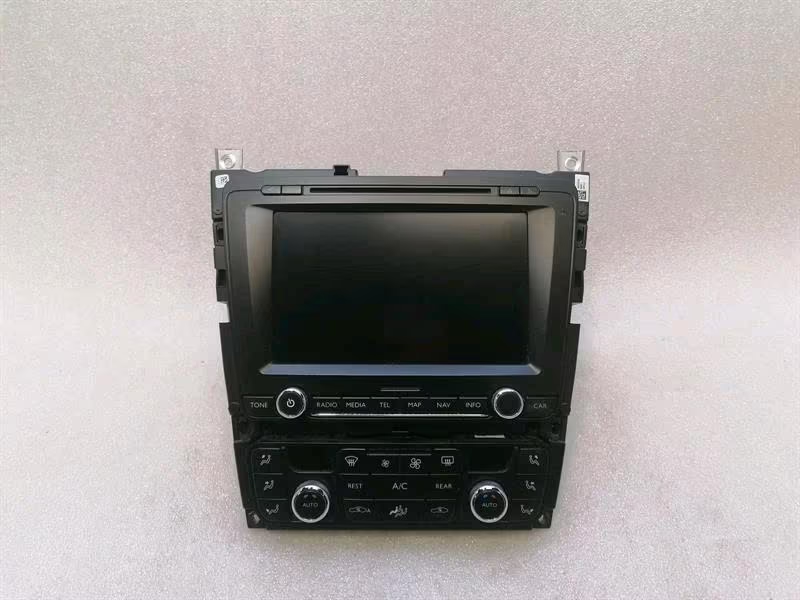
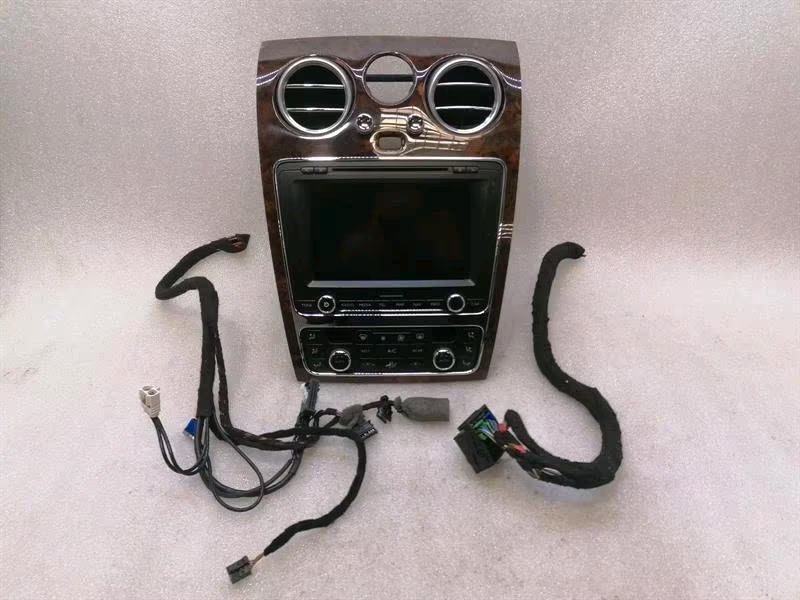
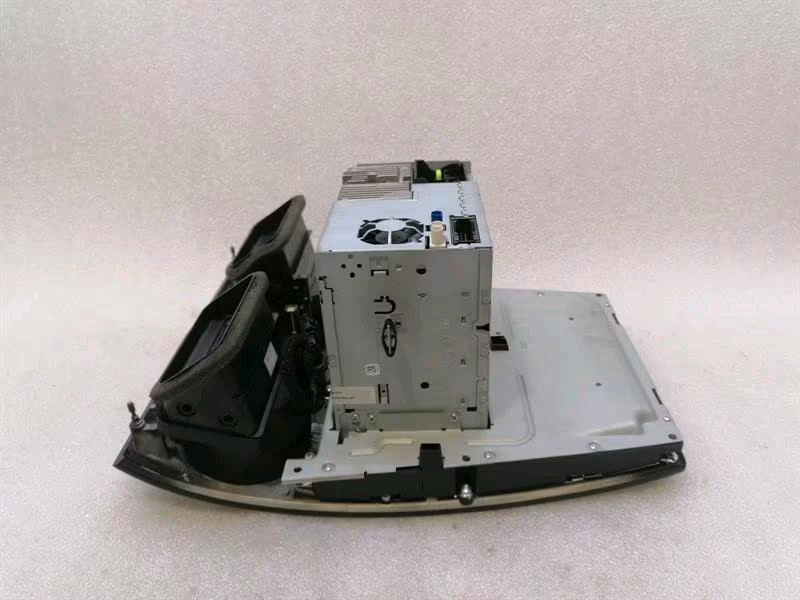
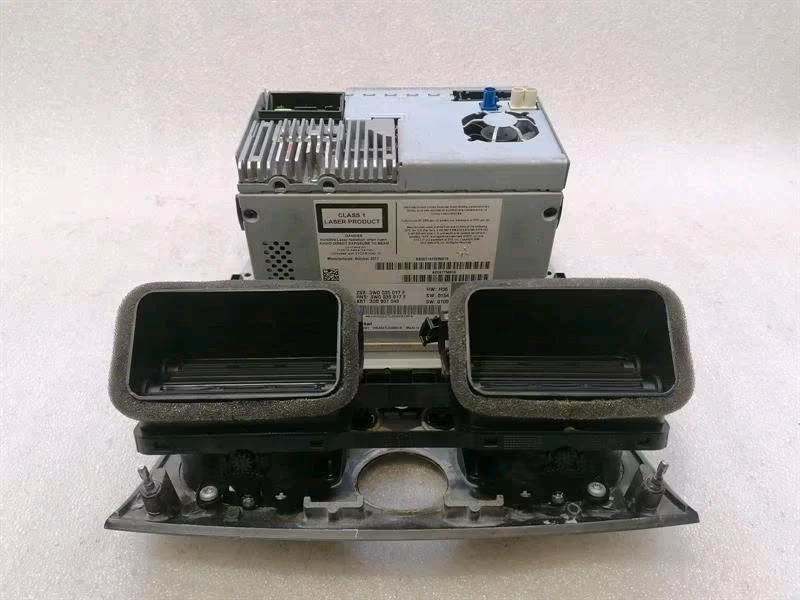
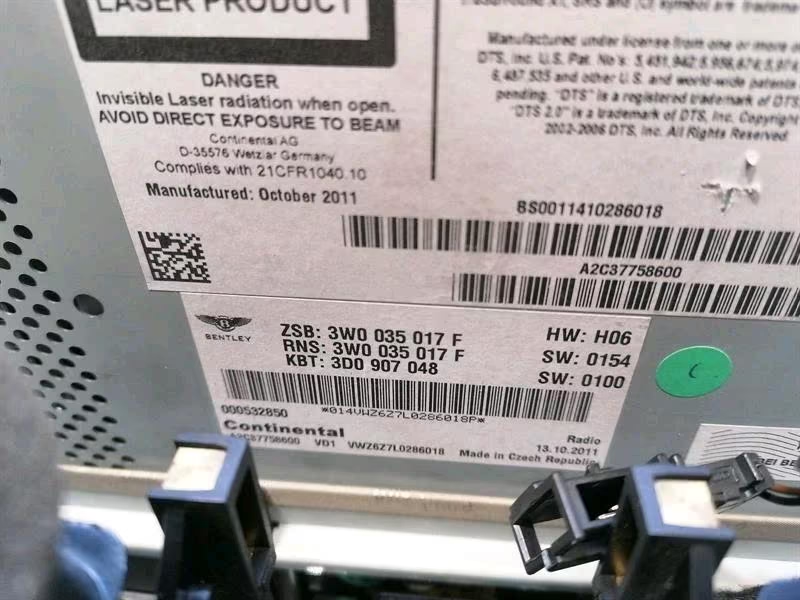
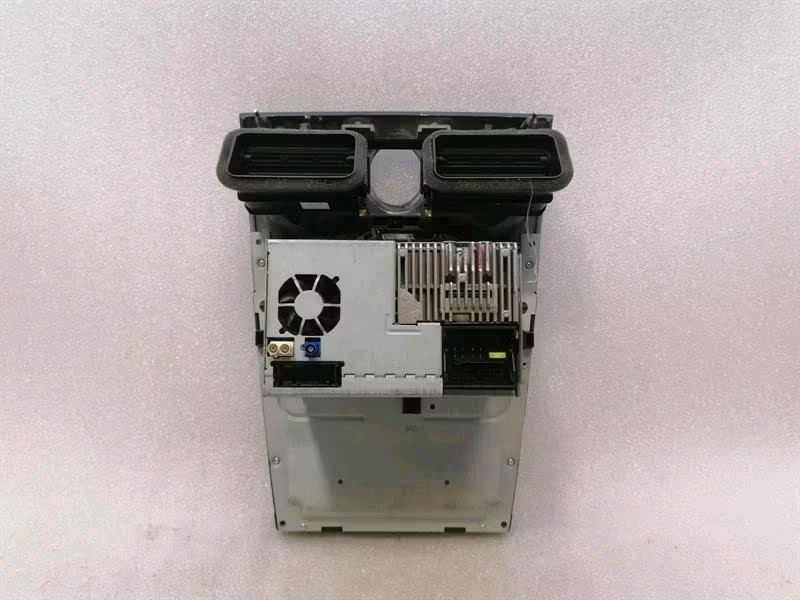
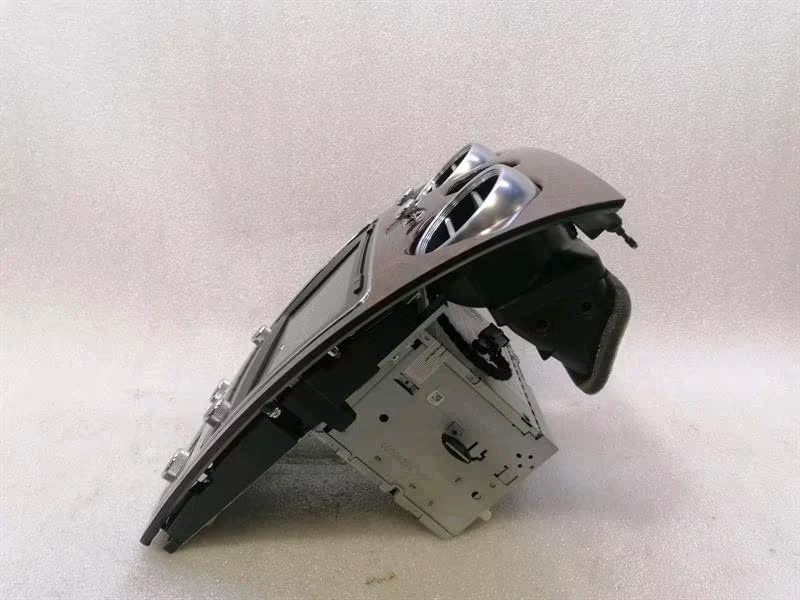
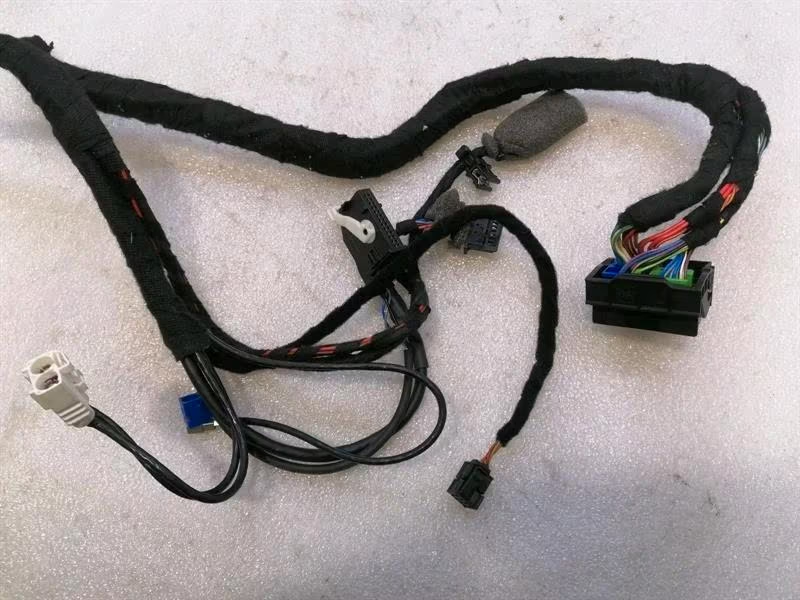
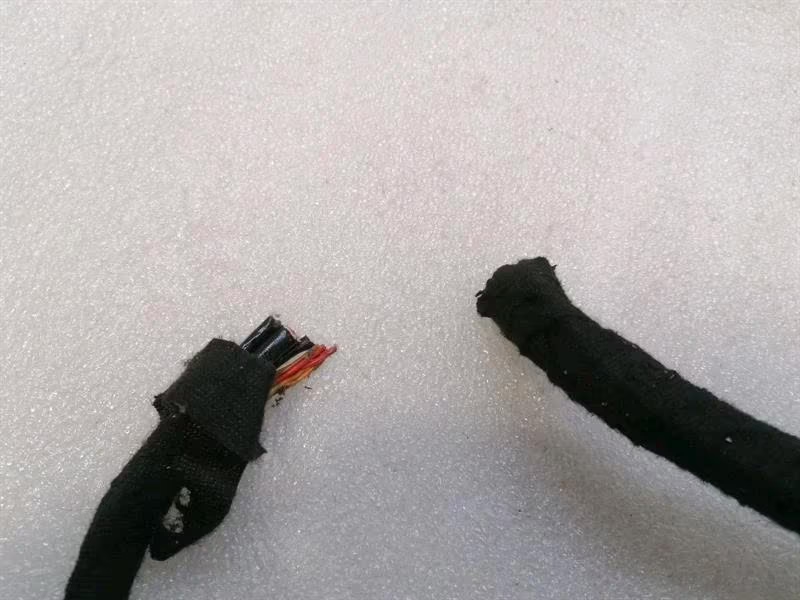
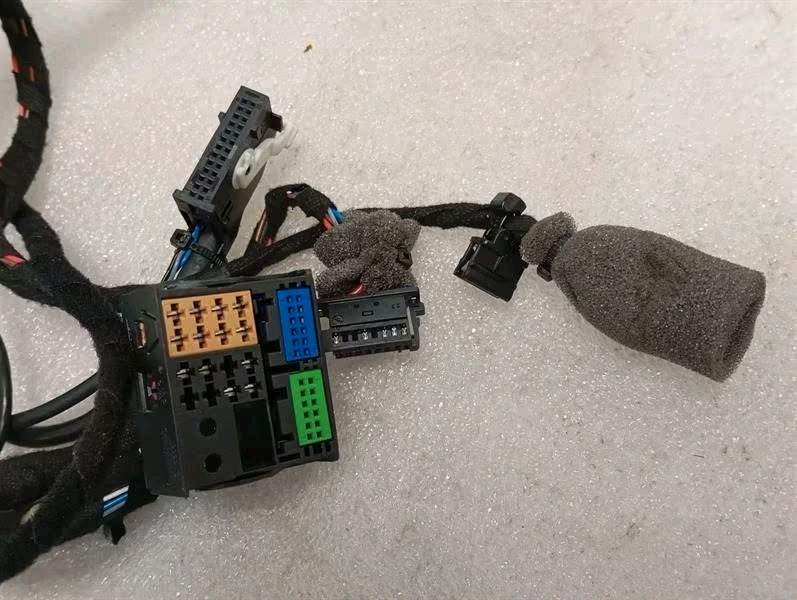
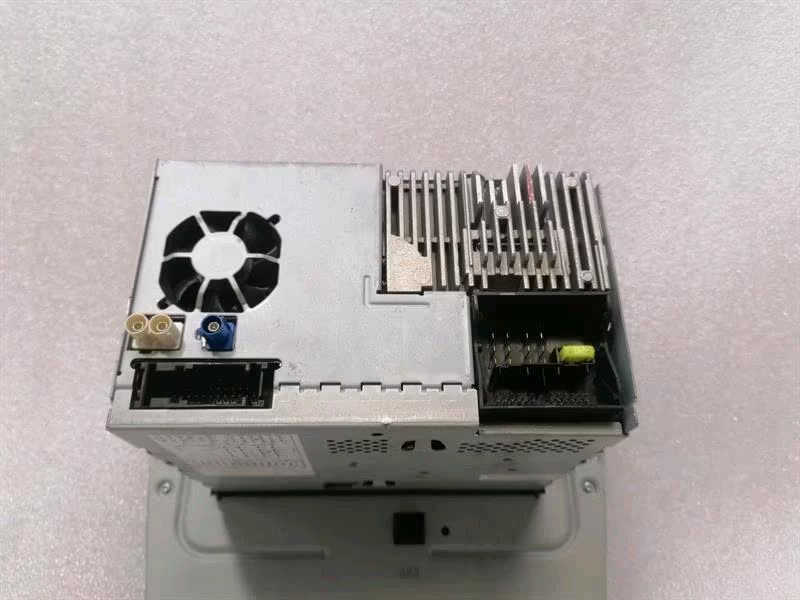
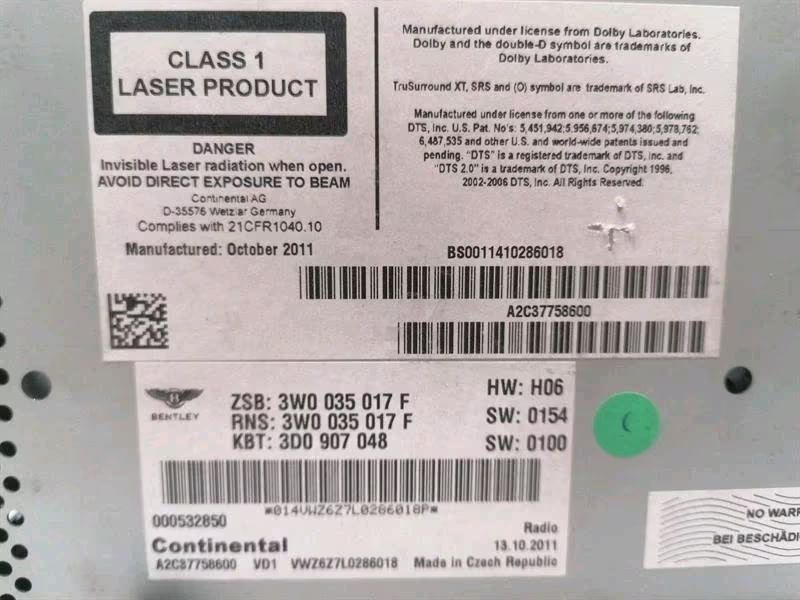
Bentley Continental GT W12 (2012) Navigation Display
Series: Second Generation (3W MK2) Core Part Number: 3W0919608 (Base unit)
For the 2012 Bentley Continental GT, the navigation display is part of a major infotainment overhaul that debuted with the second-generation models. Unlike the first-generation units (which utilized a CD/DVD-based system), the 2012 model features a HDD-based (Hard Disk Drive) system with a significantly improved high-resolution touchscreen.
1. Key Features & Technology
The 2012 infotainment system was developed in partnership with Volkswagen Group but features a bespoke Bentley interface.
-
8-Inch Touchscreen: A high-resolution display that controls navigation, audio, telephone, and vehicle settings (such as suspension and TPMS).
-
30GB Hard Drive: Used for storing maps and up to 15GB of music.
-
Navigation: Features 3D landmark mapping and dynamic route guidance (using TMC data).
-
Connectivity: Supports SD card slots, a DVD player, and an AMI (Audi Music Interface) in the glovebox for iPod/USB integration.
2. Common Issues & Failure Points
-
Screen Digitizer Failure: The most common issue where the screen is visible but does not respond to touch, or “ghost touches” occur (it selects things on its own).
-
HDD Failure: Since it uses a spinning platter hard drive from 2012, these can fail over time, leading to the system getting stuck on the “Bentley” logo or failing to load maps.
-
Backlight Issues: The screen may appear black or very dim, often due to a failure in the CCFL or LED backlight inverter within the display housing.
3. The “Gen 1 vs. Gen 2” Difference
Identification Tip: If your screen has a “Media” button and a more modern, flat-glass look, it is the 2012+ (Gen 2) unit. If it has physical buttons labeled “Nav,” “Info,” and “Dark,” and looks recessed, it is likely the older 2004–2010 (Gen 1) unit which is not compatible with your 2012 car.
4. Replacement & Programming
-
Component Protection: This head unit is tied to the vehicle’s VIN. If you purchase a used unit, it will likely enter “Locked” or “SAFE” mode. You will need a Bentley dealer or a specialist with ODIS diagnostic software to unlock it.
-
Software Versions: Later revisions (e.g.,
3W0919608AorB) often have faster processors and updated software. It is always best to find the newest revision compatible with your chassis number.
Reviews
There are no reviews yet.