
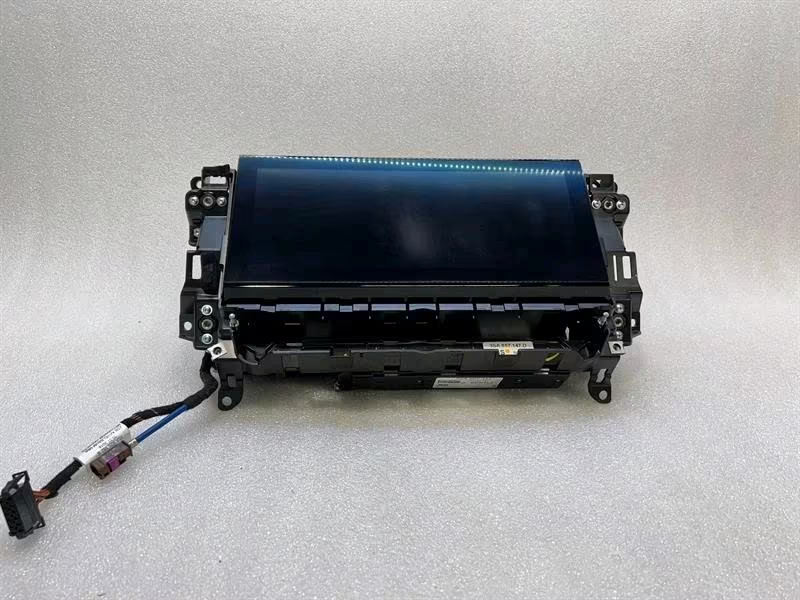
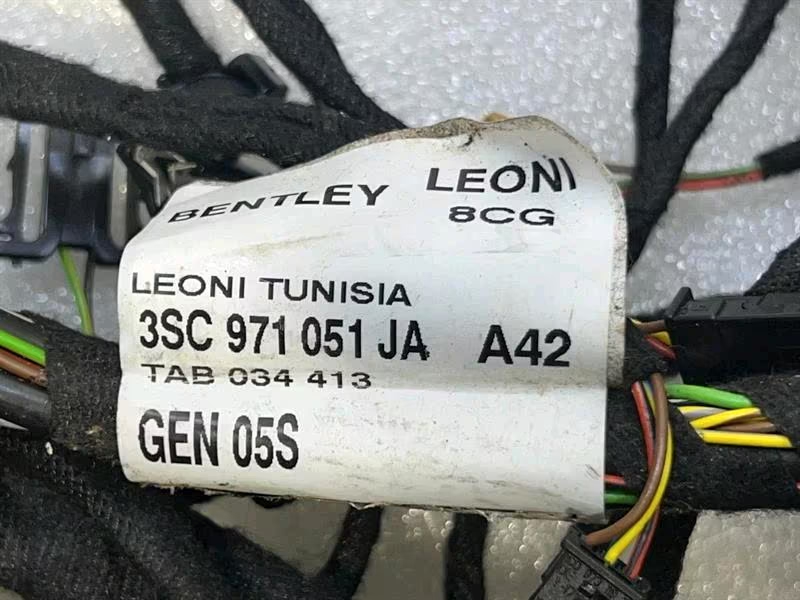
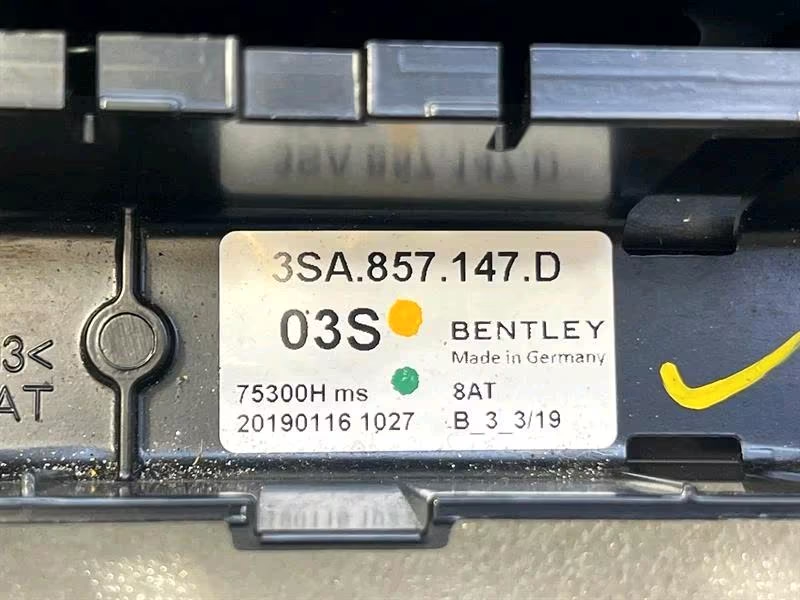
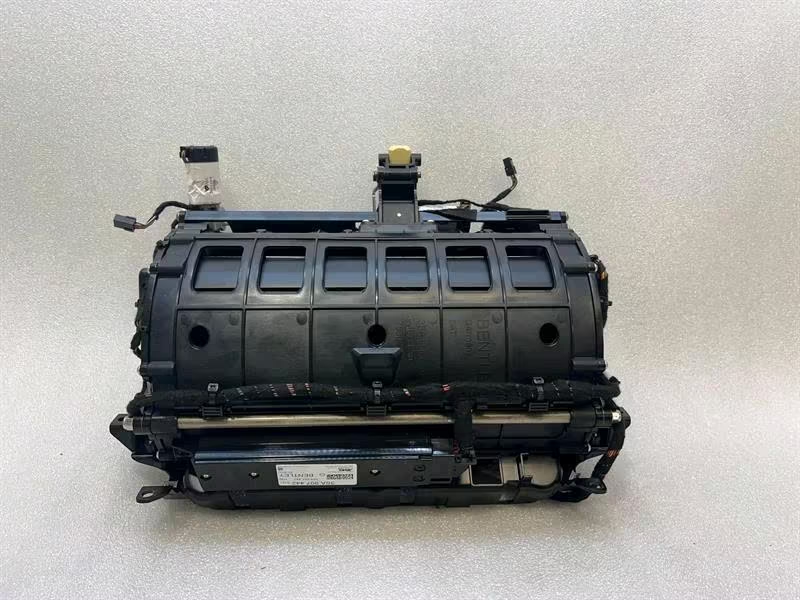
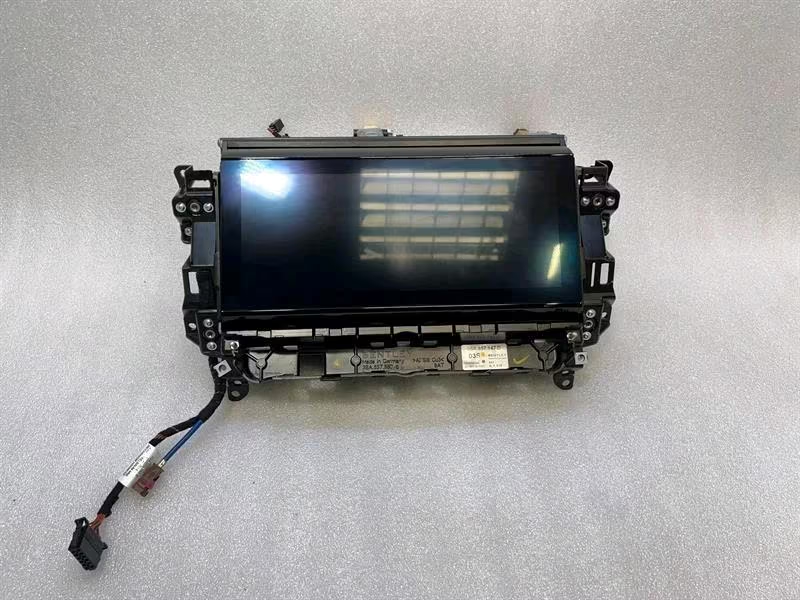
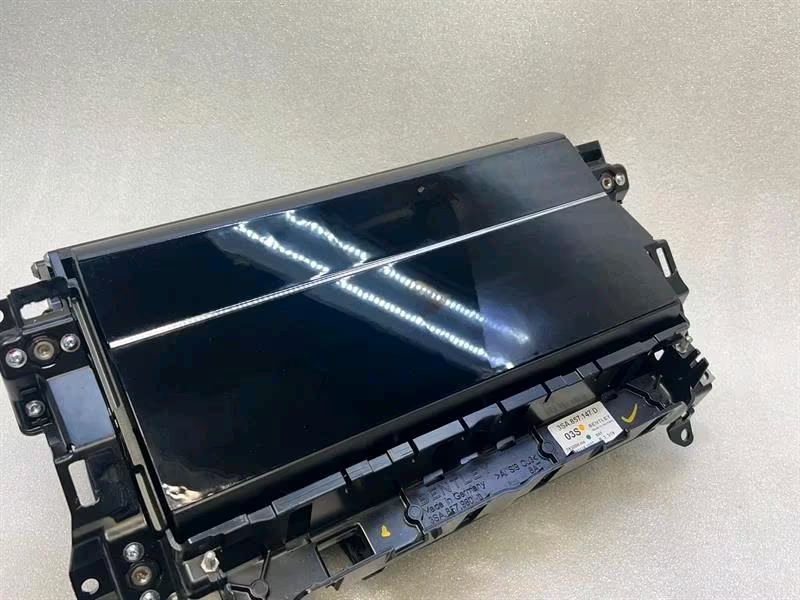
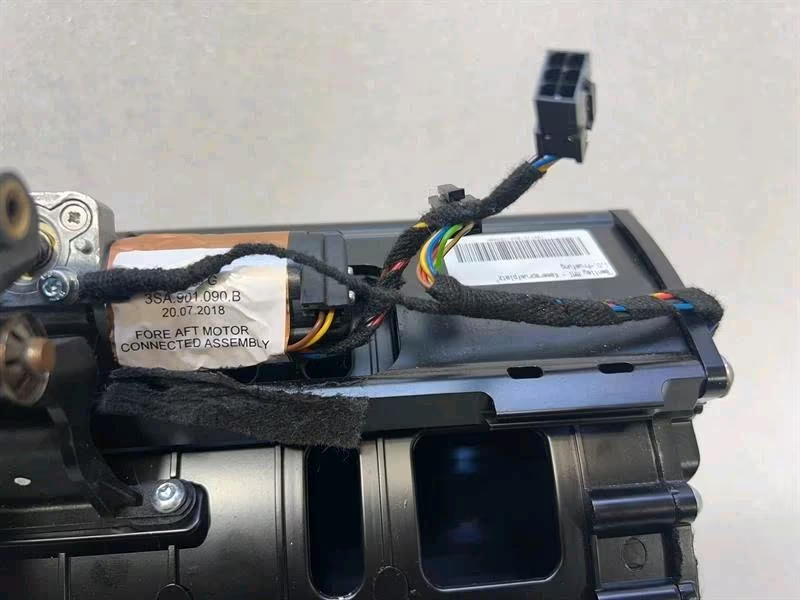
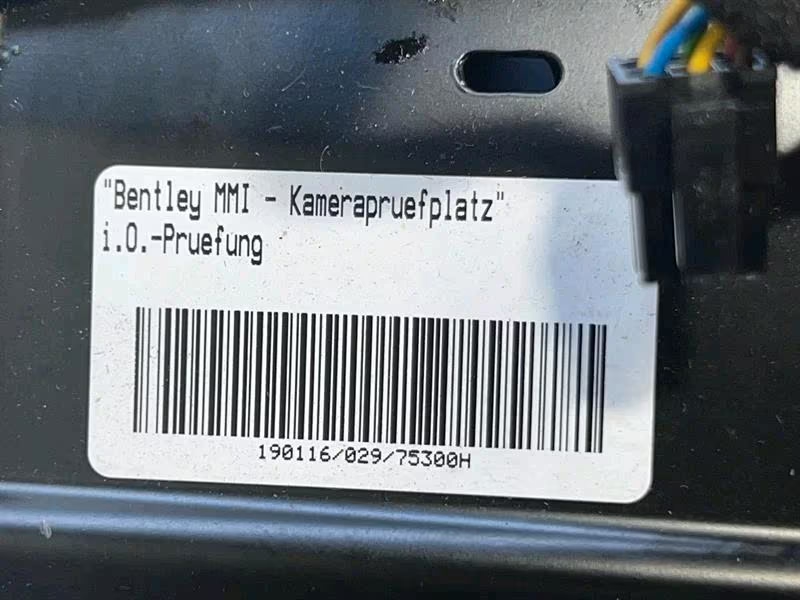
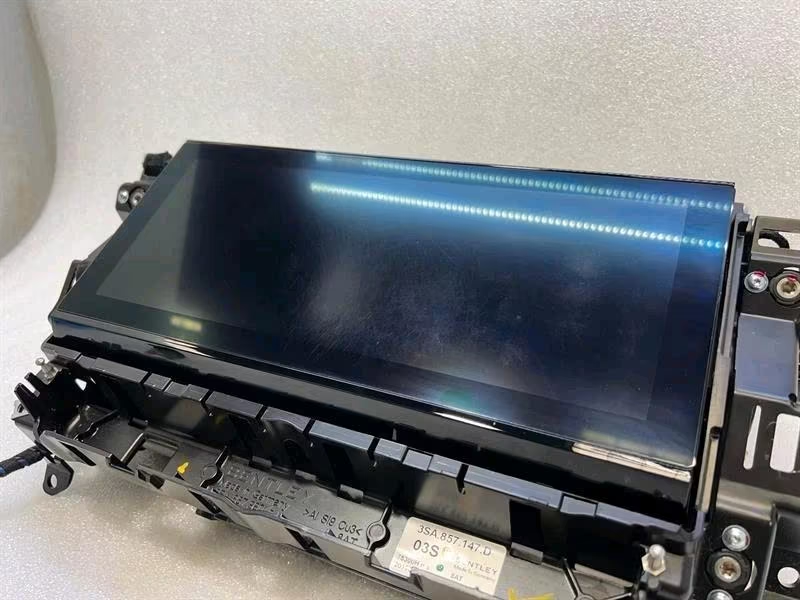
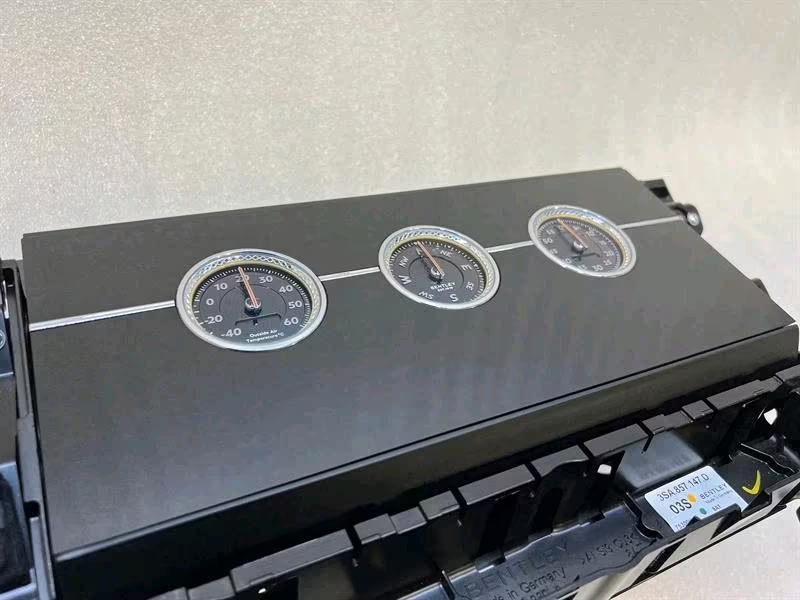
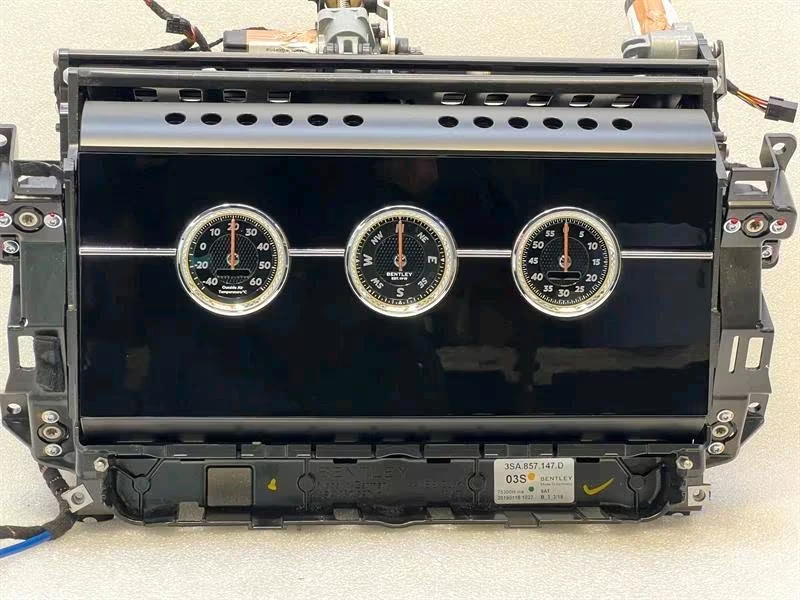
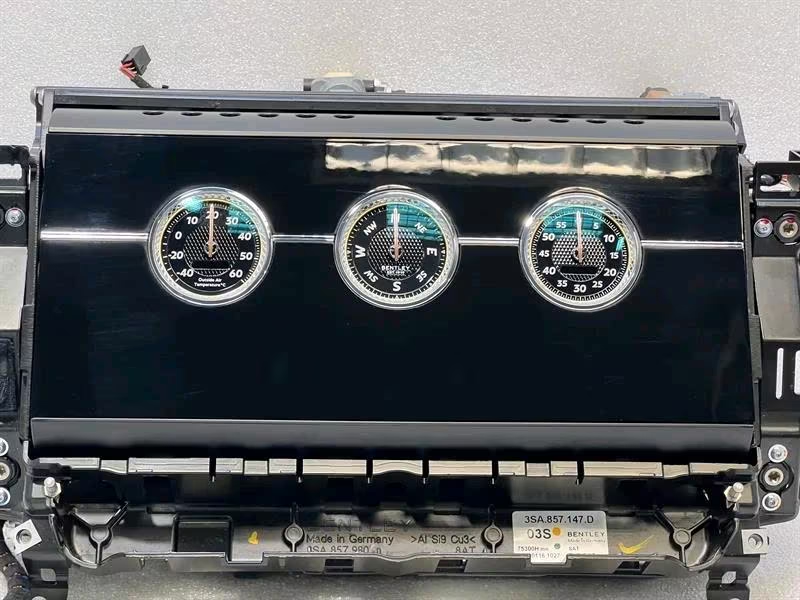
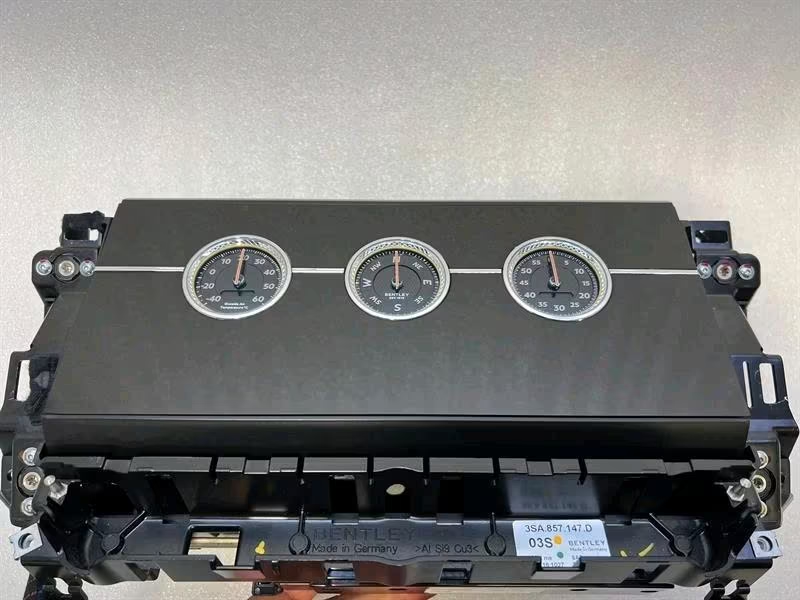


BENTLEY CONTINENTALGT GTC 18-24 3S 3SD MMI Navi Monitor
Bentley Continental GT / GTC MMI Navigation Monitor
Series: 3S / 3SD (Third Generation: 2018–2024)
For the third-generation Bentley Continental, the “MMI Monitor” is one of the vehicle’s most famous interior features. In this generation, Bentley introduced the Bentley Rotating Display (BRD), a three-sided unit that allows the driver to choose between the high-definition touchscreen, a set of three analog gauges, or a clean wood veneer panel.
1. Primary Part Numbers
The part number for the monitor assembly depends on whether you are looking for the raw LCD screen or the entire rotating mechanism.
| Component | Part Number (Base) | Details |
| Rotating Display Assembly | 3SA857147 |
The complete mechanical rotating unit. |
| Common Revision | 3SA857147D / E |
Often found in 2019–2022 models. |
| LCD Screen Unit | 3SA919597D |
The 12.3-inch high-def digital display itself. |
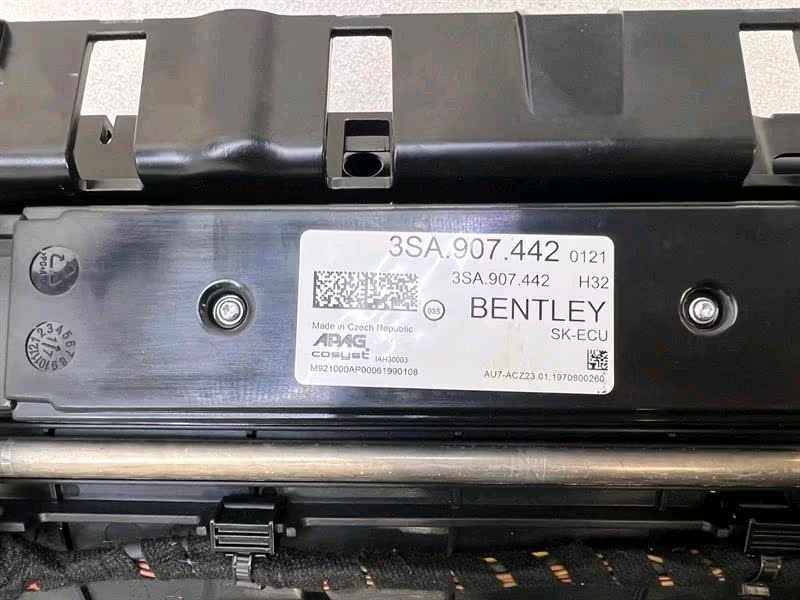
| Control Unit (MMI) | 3SA907442 |
The “brains” behind the rotating display logic. |
2. Technical Specifications
-
Screen Size: 12.3-inch diagonal.
-
Resolution: High-definition (Retina-grade clarity).
-
Interface: Capacitive multi-touch with haptic-like feedback.
-
System Architecture: Based on the Audi/VW “MIB2 High” or “MIB3” (on later 2021+ models) platform, customized with Bentley-specific graphics and fonts.
-
Features: Integrated Apple CarPlay, Android Auto, 3D Navigation, and control for the vehicle’s 48V suspension and massage seats.
3. The Rotating Mechanism (BRD)
The 3S monitor is part of a complex mechanical system that uses a high-precision electric motor and a drive belt to flip between three faces:
-
Digital Face: The 12.3-inch MMI touchscreen.
-
Analog Face: Three handcrafted dials showing Outside Temperature, a Compass, and a Chronometer.
-
Veneer Face: A seamless continuation of the dashboard wood or carbon fiber for a “digital detox” experience.
4. Common Faults & Service Notes
-
Mechanical Jam (DTC B140107): A common fault code where the display fails to rotate or gets stuck. This is often caused by a misalignment or a worn drive belt. Warning: Never attempt to force the display to rotate by hand, as this will snap the internal drive gears.
-
Calibration: If the display is removed or replaced, it must be calibrated using Bentley ODIS software. The system needs to “learn” the end-stop positions for each of the three faces.
-
Component Protection: The display unit and its control module are VIN-locked. If you install a used unit from another car, the screen will likely stay black or show a “Component Protection” message until it is unlocked online by an authorized specialist.
Reviews
There are no reviews yet.