
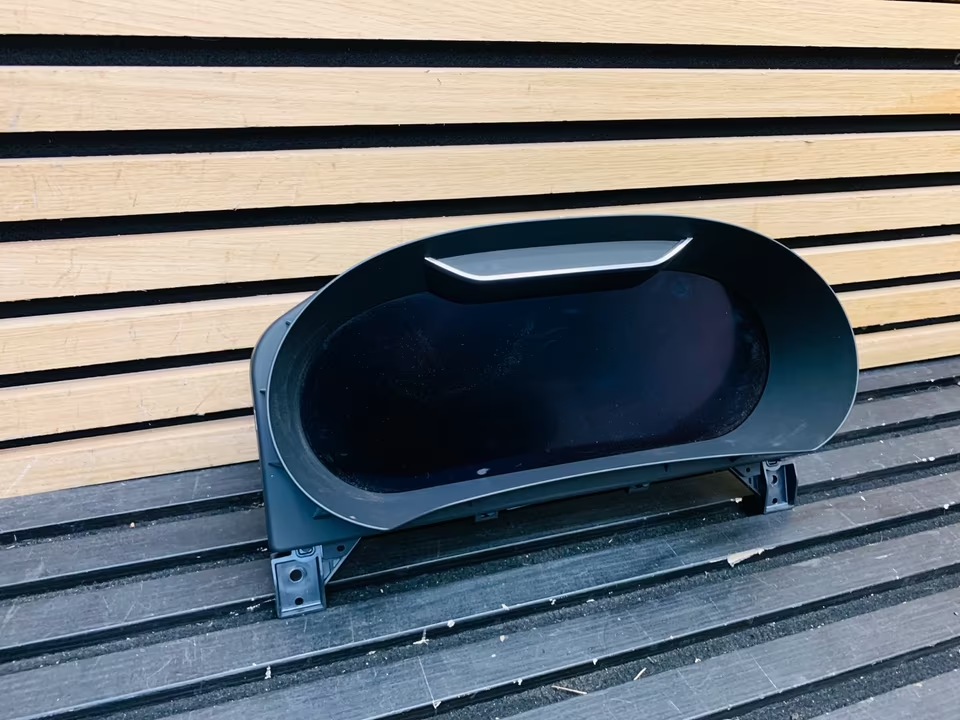
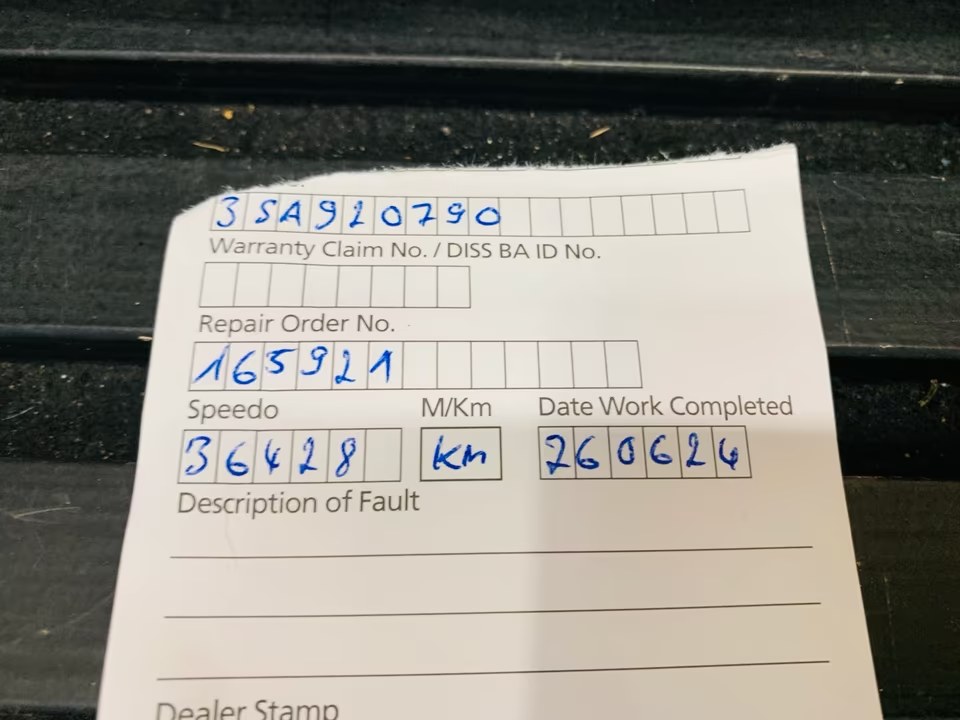
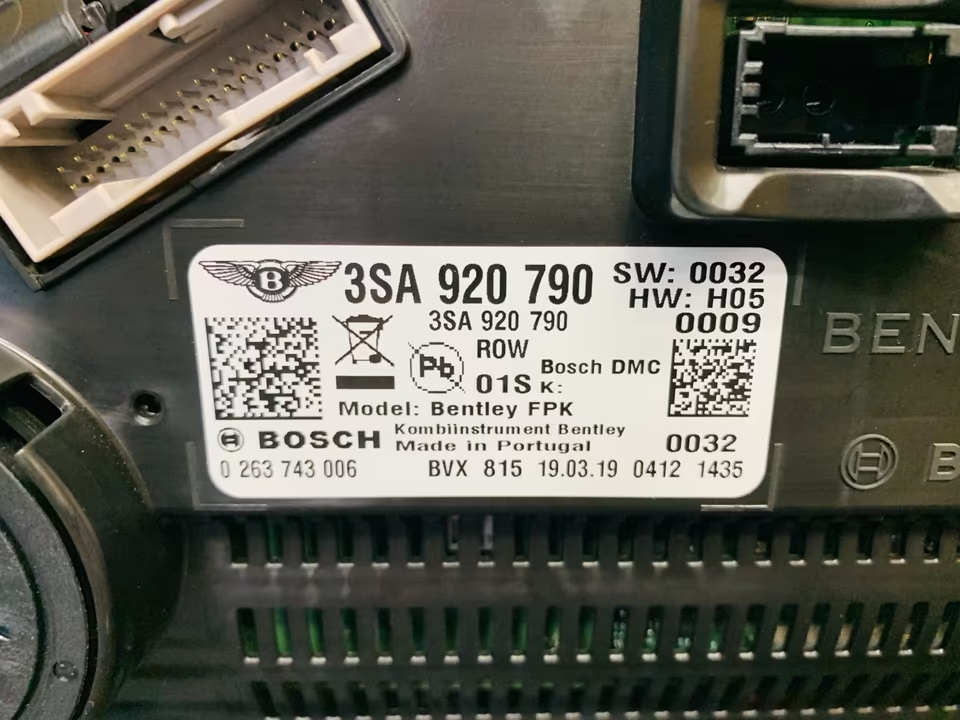
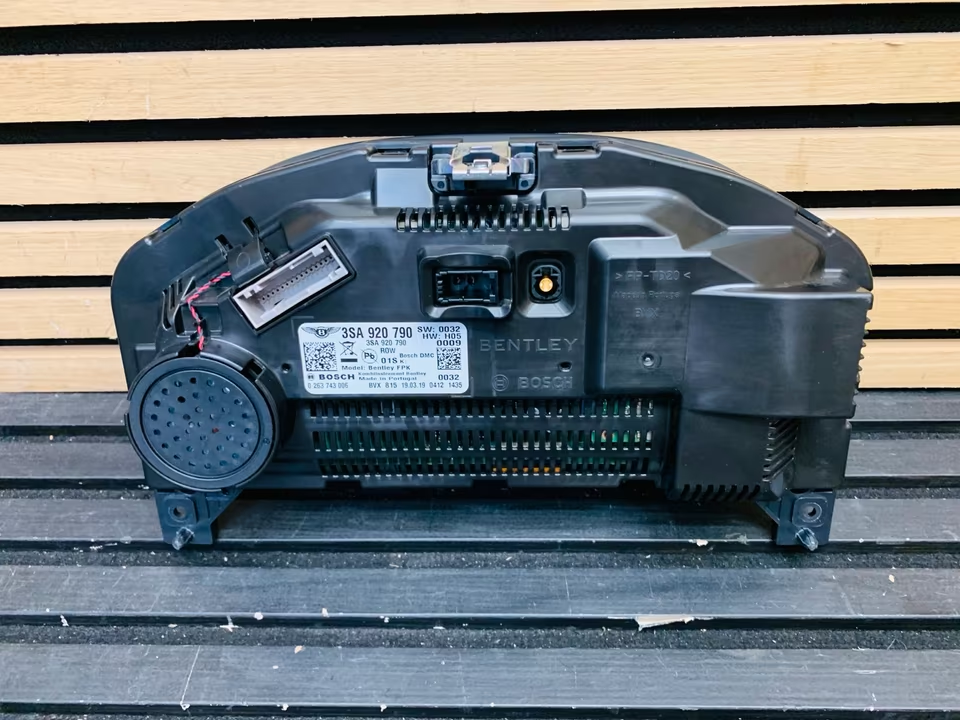
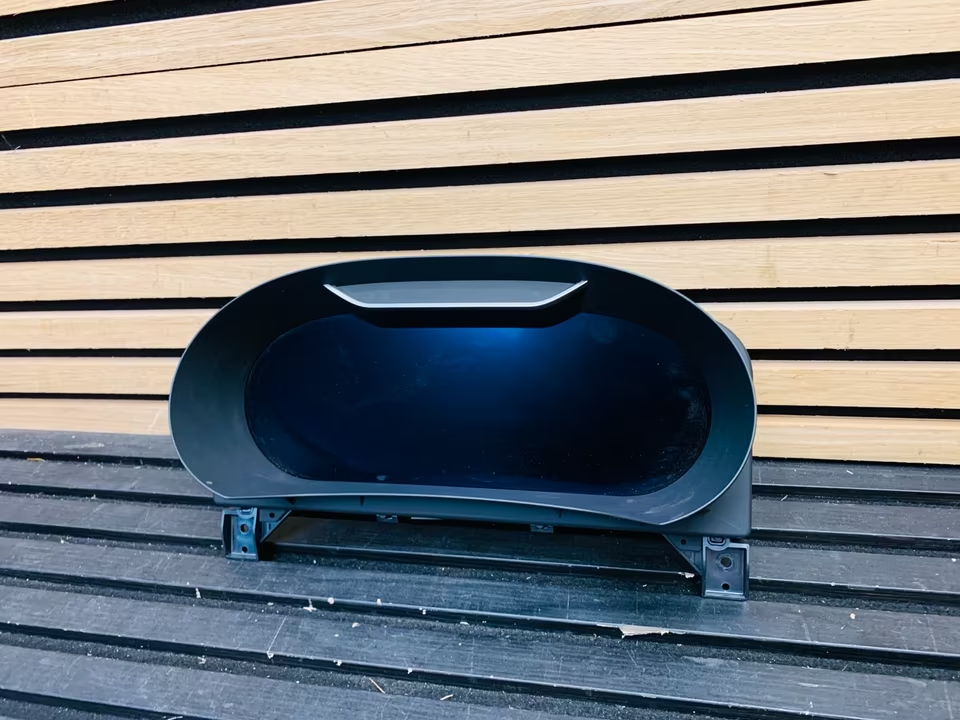
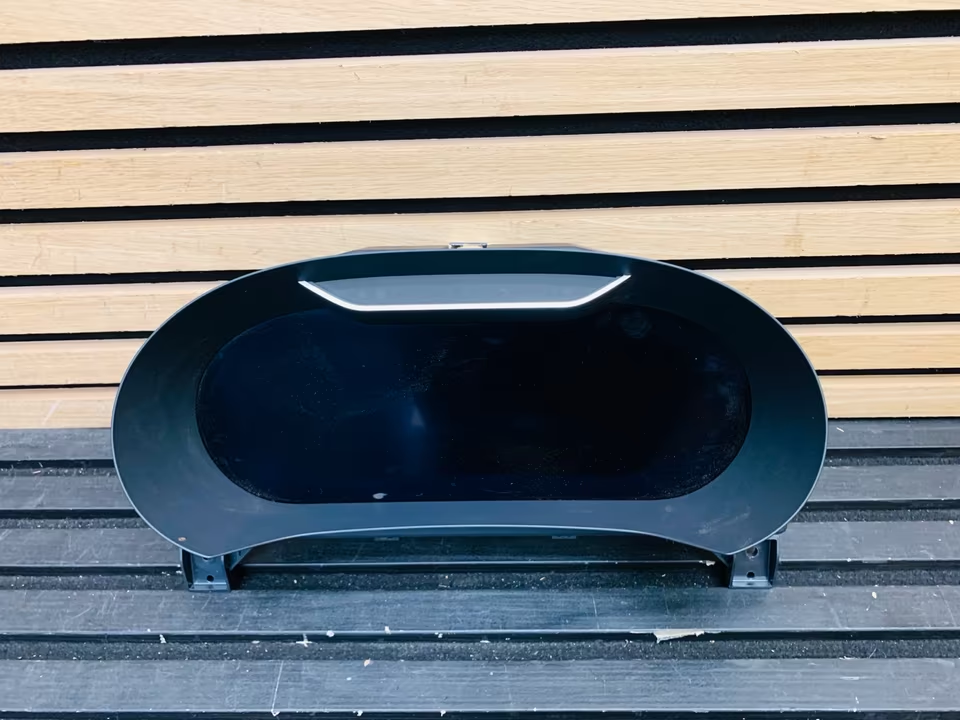
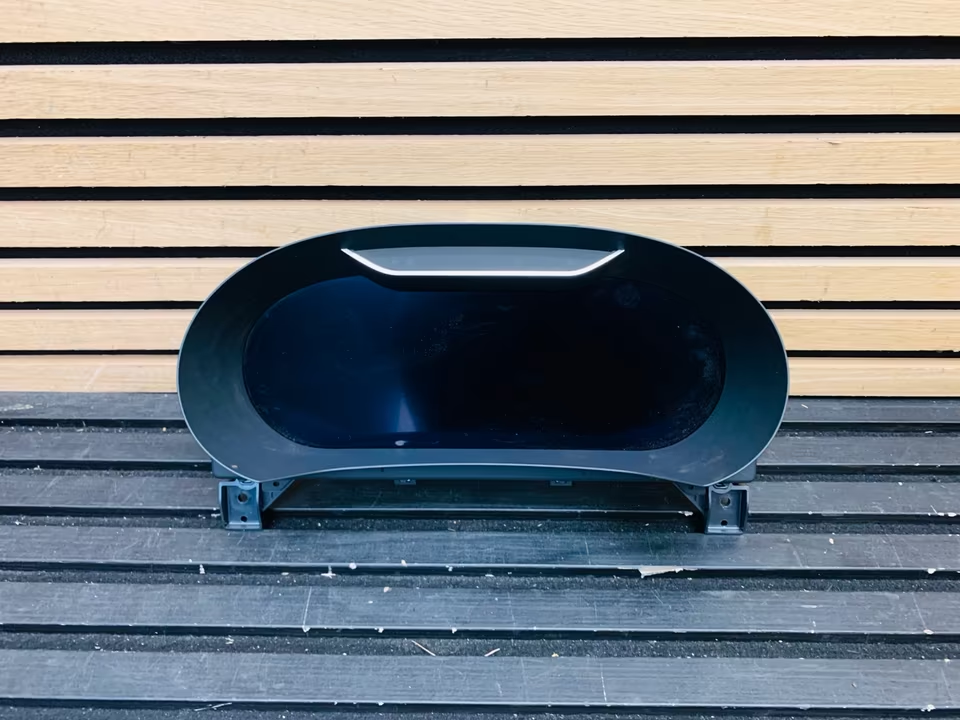


Bentley GT GTC Flying Spur Speedometer 3SA920790
Series: 3S / 3SD (Third Generation: 2018–2024+) Part Number: 3SA920790 (and variants like 3SA920790D)
The part number 3SA920790 refers to the fully digital instrument cluster (often called the “Virtual Cockpit”) used in the third-generation Bentley Continental and Flying Spur. This unit replaced the traditional analog gauges of previous generations with a high-resolution, customizable TFT display.
1. Key Features
-
Digital Display: A 12.3-inch high-definition screen that renders “digital” versions of classic Bentley analog dials.
-
Customizability: The driver can choose between a classic “Two Dial” view, a “Minimalist” view, or a “Map” view where the navigation system takes over the entire screen.
-
Night Vision: If the car is equipped with the Night Vision option, the thermal camera feed is projected directly into the center of this display.
-
ADAS Integration: Displays real-time data for Adaptive Cruise Control, Lane Assist, and Traffic Sign Recognition.
2. Technical & Fitment Details
-
Chassis Compatibility: Fits the Continental GT (2018+), GTC (2019+), and the New Flying Spur (2020+).
-
System Architecture: Based on the high-speed “MIB2/MIB3” electronics platform.
-
MPH vs. KPH: This part number is a hardware unit; the units of measure (MPH or KM/H) are usually toggled via software settings, though the physical bezel or initial regional coding may differ.
3. Critical “Component Protection” Note
Like most electronic modules on the 3S platform, the instrument cluster is part of Bentley’s Component Protection anti-theft system.
-
Installation: If you install a used or new
3SA920790unit, the screen will likely display “SAFE” or remain partially non-functional. -
Unlocking: The unit must be paired to your vehicle’s VIN using an online connection to Bentley’s servers (via the ODIS diagnostic system).
-
Mileage: In most jurisdictions, writing a lower mileage onto a replacement cluster is strictly blocked by the software. A new cluster can usually only be programmed with the vehicle’s current mileage once.
4. Common Issues & Maintenance
-
Screen Flickering: Usually a sign of a loose LVDS (video) cable behind the dash or a failing backlight inverter.
-
Dead Pixels: Rare on these high-grade displays, but usually requires replacement of the entire unit as the LCD panel is bonded to the housing.
-
Software Glitches: Occasionally, the “Map” view may freeze. This is often solved with a “Hard Reset” of the MMI system (holding the volume/power knob down for 10-15 seconds) rather than replacing the hardware.
Reviews
There are no reviews yet.